 Read the Voice
Help Grandma follow the conversation at a family dinner
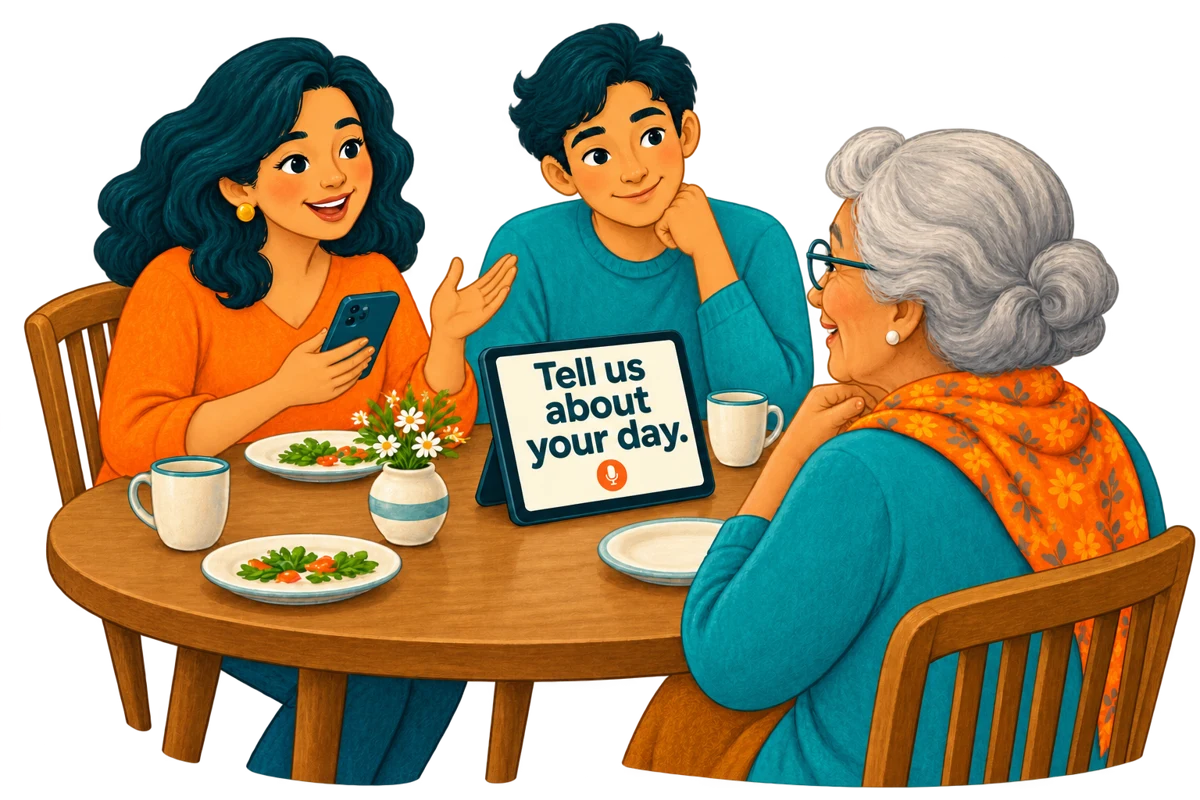
The plates are on the table, someone starts a story, and another person asks a question. How can you make space for Grandma to follow and respond when hearing the words is difficult?
This is an illustrative family scenario, not a customer testimonial. It shows one way to use Read the Voice for a face-to-face conversation. Try it only if your grandmother wants to read along, and adjust the setup with her.
Before everyone sits down
Start with one iPad and one familiar person. Place the iPad securely in front of Grandma, with the screen facing her rather than the rest of the table. Keep it low enough that you can still see one another. Ask her to choose a comfortable text size.
Open Read the Voice, complete account and audio-processing setup, and check the internet connection and remaining minutes. For the simplest test, choose standalone mode on the iPad. Hold the microphone, ask “What would you like to tell us about today?”, then release it. Wait for the words to appear and for her reply.
Keep one device if that is enough
For two people sitting close together, there is no need to pair phones. The speaker can operate the iPad’s microphone button while Grandma reads. Let the screen support the conversation without becoming the centre of attention.
Keep each recording to one idea. If she is still reading, wait. If a name or date looks wrong, say that part again and check it together. Do not treat an uncertain transcription as an exact account of what was said.
Add the family’s phones with Tandem
If reaching the iPad from several seats is awkward, choose “Display the conversation” on the iPad. Each relative opens the app on their iPhone, selects “Speak into this phone”, finds the named iPad and requests a connection. Approve each new device on the receiving screen.
Guests do not need accounts or their own minute packs. Their recordings use the receiving account’s minutes. Keep the apps open with Wi-Fi and Bluetooth enabled; the receiving device needs internet for transcription. Our Tandem guide covers setup and reconnection.
Make room for Grandma’s answer
One person speaks, releases the button and waits. Grandma reads, looks up and replies in the way she prefers. Then the next person takes a turn. Several connected microphones are useful for reach, not for talking over one another.
A shared screen also gives everyone a reason to pause and ask whether the conversation is moving at a comfortable pace. If Grandma would rather stop reading or take a break, put the device aside.
What this setup can and cannot do
Read the Voice displays a transcription after each recording is released and processed. It does not caption a whole dinner continuously or transcribe a phone call. Nearby speech, names and unfamiliar words may be recognised incorrectly. Try the setup in the room where you will actually use it.
Eligible Apple-linked accounts receive 20 introductory minutes. After that, the US 60-minute pack costs $1.99, with no subscription; local prices may differ. Only recorded time counts, including pauses while the button is held. Reading and waiting for processing do not add recording time.
Start with one question and one reply. For the screen setup, follow our speech-to-large-text iPad guide. Add more phones only when they make the conversation easier.