 Read the Voice
When Grandpa still cannot follow the conversation, show him the words
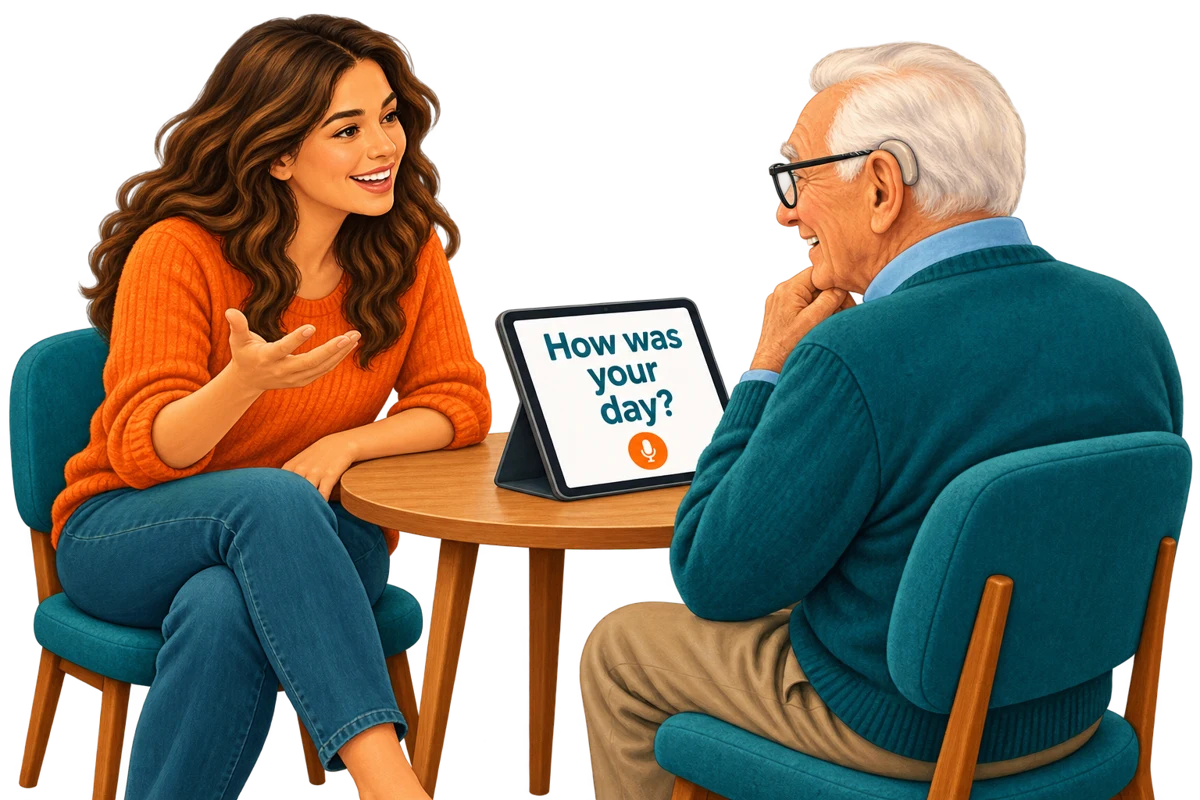
Read the Voice began with our founder’s grandfather. He is 90 and has powerful hearing aids, yet understanding a conversation was still difficult. Turning spoken words into visible text gave the family another way to talk with him and helped him take part again.
That is the founding experience behind this app. It is not a promise that the same setup will suit everyone, and the illustration is not a photograph of the family. The practical idea is simple: put the words where the person you love can comfortably read them.
Start with the conversation you wanted to have
You do not need a formal demonstration. Ask whether your grandfather would like to try reading a question on a screen. It could be “How was your day?” or “Which photo shall we look at?” These are example questions; choose something meaningful to you both.
Place an iPhone or iPad between you, facing the person reading. Standalone mode is enough for a first exchange. Hold the microphone button while you speak, release it when the sentence is finished, and wait for processing. The result appears as text that can be made larger.
Let him choose how to read
Ask about the text size and screen angle. A bigger display can give a sentence more room, but the useful setup is the one he finds comfortable. Leave space to see each other, and wait for his reply before recording the next sentence.
The speaker can handle the recording button. Reading the result does not require typing, buying another device, or learning Tandem first. Our iPad large-text guide walks through the one-device setup.
The important part is the reply
A transcription is only part of a conversation. Leave time for a story, a question or a correction. If a word looks wrong, repeat that part and check it together. Ask before clearing text the other person might still be reading.
Read the Voice does not diagnose or treat hearing loss and does not replace hearing care. It offers a visual way to share a sentence. If reading is tiring or unwelcome, agree on another way to communicate rather than insisting on the app.
When more relatives join
Tandem lets nearby iPhones send recordings to one shared iPad. Your grandfather keeps the screen in front of him while each person operates their own microphone. The iPad approves a new device once, and the receiving account supplies the recording minutes.
Take turns and leave time for reading. This is not a continuous live transcript: words appear after the speaker releases the button and processing finishes. See how a family can share one iPad.
Try it with clear expectations
Transcription requires internet and sends audio through our server to OpenAI with consent. Eligible Apple-linked accounts start with 20 introductory minutes. The US 60-minute pack is $1.99 with no subscription; check your local App Store price before buying more.
A short, ordinary exchange is enough to discover whether this rhythm feels helpful. The aim that started Read the Voice remains the same: more chances to talk with Grandpa and hear what he wants to share.